
Knowledge collections
Upload documents into collections that a chat searches, with citations that open the source page.
2 min readUpdated for Chat 0.5.2Edit on GitHub
Search your documents in a chat
- 1
Make a collection
Open Library › Collections and create a collection. Give it a name that says what's in it.
- 2
Add documents
Upload PDF, Word (
.docx), HTML, Markdown, text or code files, up to 50 MB each. Each document shows its status while Chat extracts and indexes it. - 3
Pick it for a chat
Click + in the composer, or the Knowledge pill under the chat's title, and choose up to 8 collections. They stay on for that chat.
- 4
Ask
Replies cite passages as
[n]. Click a citation, or a document in the Sources card under the answer, to open the original file at that page.
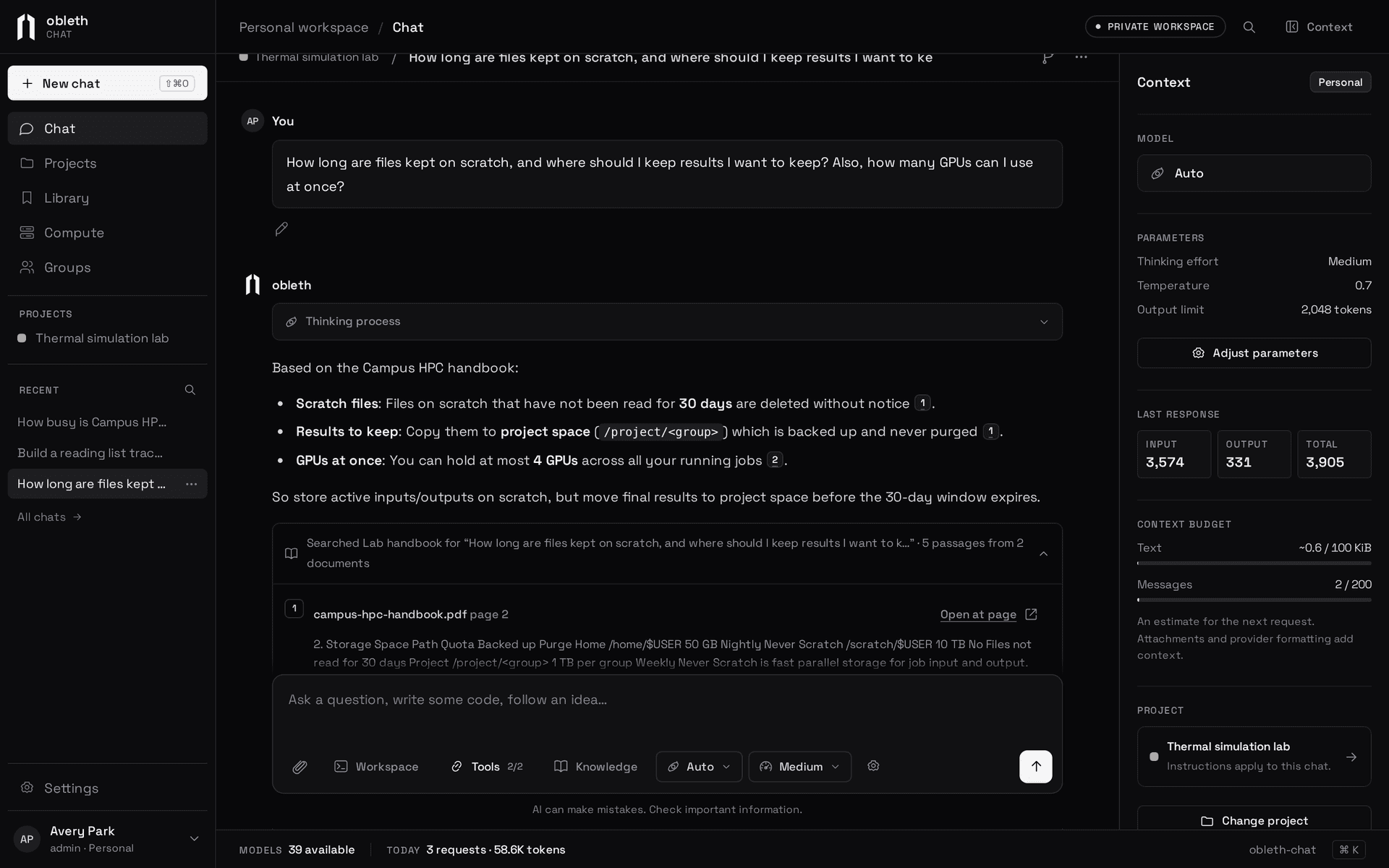
For each message, Chat searches your selected collections and gives the model the 6 best passages. A short follow-up such as "and the second one?" is searched together with the message before it. Models that call tools also get search_knowledge, so they can search again in their own words when the first passages aren't enough.
A project can hold collections too; every chat in the project searches them along with its own.
Share a collection
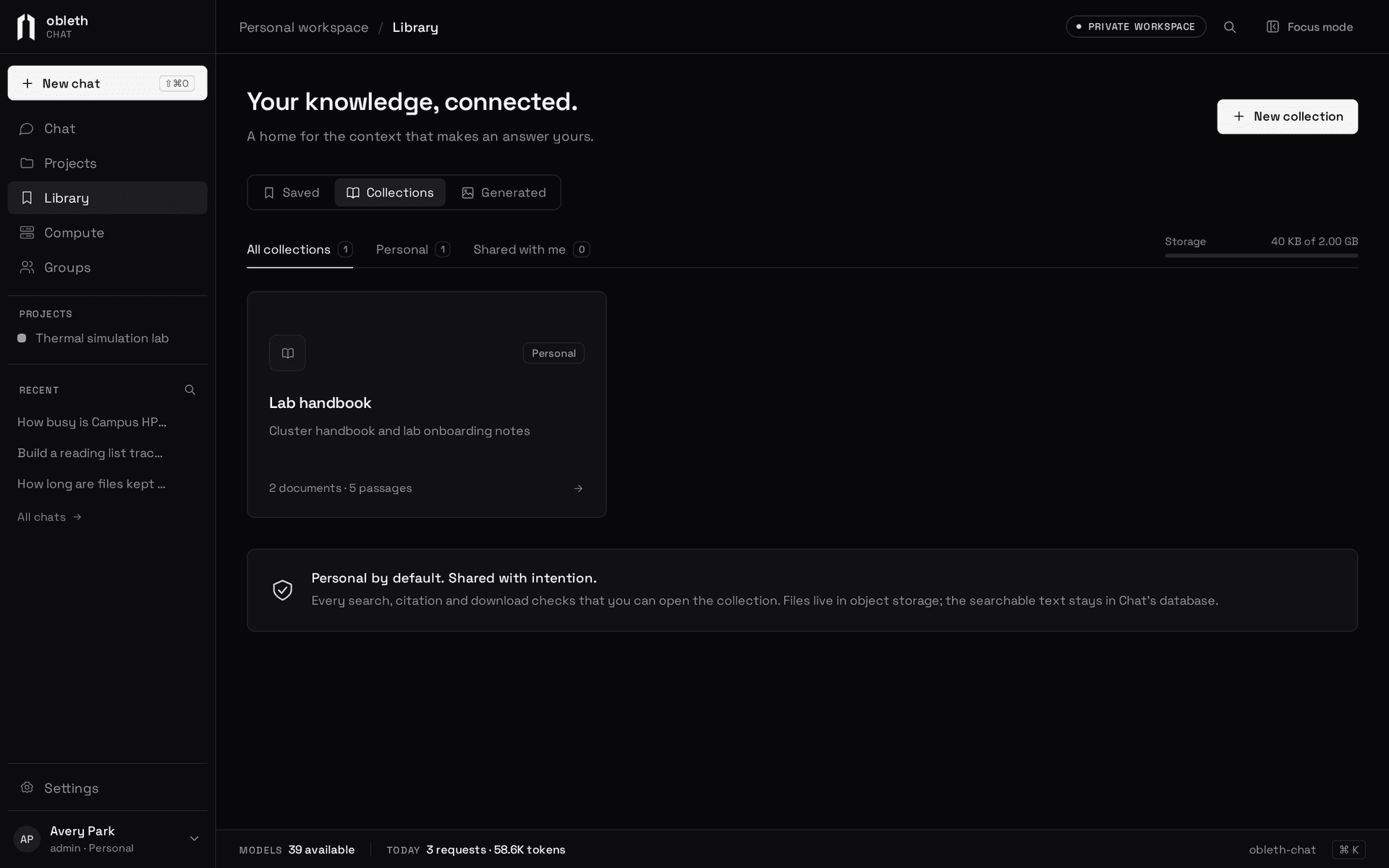
A collection is one of:
- Personal: only you.
- Shared with a group: members can search it and open its documents; only you change it.
- Shared with everyone: every account. Only administrators can do this.
Access is checked on every list, search, citation and download. Remove someone from the group, or unshare the collection, and their next message no longer searches it.
When a document doesn't index
- Needs text recognition. A scanned PDF without a text layer has nothing to extract. Chat doesn't run OCR yet; run the file through OCR and upload the result.
- Failed. Extraction or embedding failed three times. Retry queues it again.
Deleting a document or collection removes its passages at once and its files shortly after.
How search works
Chat splits each document into passages of about 1,600 characters with 200 characters of overlap, never across a page boundary. Each passage is embedded through the gateway (qwen3-embedding-8b by default, truncated to 1,024 dimensions) and also indexed for full-text search. A query runs both searches and merges them by reciprocal rank fusion, so exact names and codes are found as well as paraphrases.
PDFs are read page by page with pdftotext, Word files from their XML, and HTML and text directly. Changing the embedding model needs a reindex: documents keep the vectors they were made with.
Chat Knowledge is separate from the gateway's Knowledge boon: Chat keeps its own index per person, with Chat's own sharing rules.
To turn Knowledge on, an administrator configures storage; see Enable Knowledge.